SMALL TOOLS, MORE ROOM

A tool for the task at hand.

Choose what you need to do, from compressing a photo to splitting a bill.

What would you like to do?

Search by task, or choose a category below.

How to use
Try a task:

25 tools

New conversations · Content updated October 20, 2026

Choose something to do together.

Start with one topic, compare your real choices, then plan a meetup.

About two minutes · Duo Game

What kind of travel companions are we?

Six topics and 72 questions, including housemates and teamwork. Find a type, then compare with someone.

Find my typeSample direction: a shared budget and one flexible afternoon. Your own answers create your result.

Three questions today · Pick One

Same question. Different reasons.

60 debates across six categories, with reasons on both sides and a question to discuss next.

Choose a debateActual vote counts only. New questions may be waiting for their first vote.

12 items · Compare and decide

What should we do at the meetup?

Compare food, travel activities and game-night ideas in seven taste boards.

Compare taste boardsThen choose a date with Moyeobom (Korean). Answers are not transferred.


Get something done

Play together in a little space

Play with a friend

Make something to keep

Focus and get organized

Follow Codex updates

Keep track over time

TRY A REAL TASK

See what you can finish.

Sample inputs, actual results, and a clear next step.

01 / PHOTO SIZE

A photo under 100KB

777,600 → 96,872bytes · same 768 × 512 dimensions

A café sample converted to JPG with this tool. Check both the file size and readable details before submitting.

View the before and after
AI-created café sample before conversion
Original PNG
The same café sample after conversion
Converted JPG

AI-created sample, actually converted in Edge. A 100KB limit uses 100,000 bytes by default. Other photos and browsers may produce different results; check the destination’s pixel rules too.

Photos are processed on your device.
02 / SHARED EXPENSES

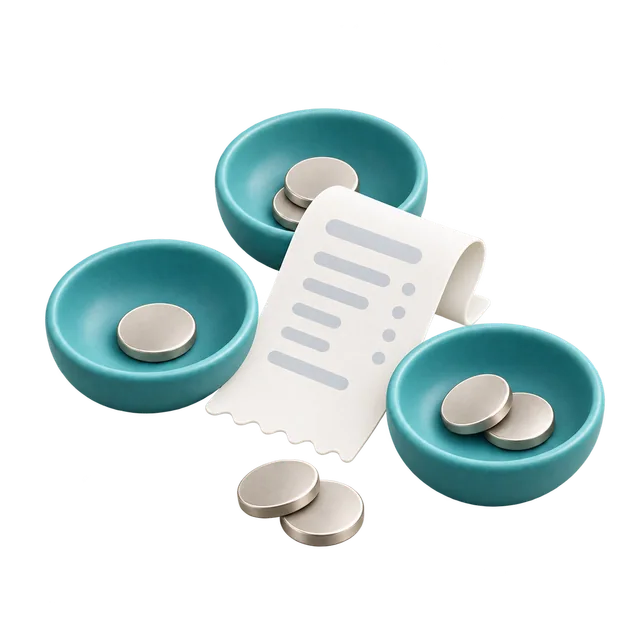
Split only what you shared

B → A ₩5,000C → A ₩20,000

A pays ₩60,000 for dinner with B and C. B pays ₩30,000 for a café visit with A. C does not pay for the café.

See how the result is calculated
A’s share
₩20,000 + ₩15,000 = ₩35,000
B’s share
₩20,000 + ₩15,000 = ₩35,000
C’s share
₩20,000

A paid ₩60,000 and should bear ₩35,000, so receives ₩25,000. B still owes ₩5,000 and C owes ₩20,000. This is a fictional example, not a real payment.

Check the result together. Transfers are made separately.
03 / EVENT PHOTOS

From a QR code to the first photo

Create → share → receiveOne album for your gathering

Make an album, send the participant QR, then confirm the first photo arrived before your event.

Check the host and guest steps
  1. The host signs in and creates an album.
  2. A guest opens the participant link and uploads a photo without signing up.
  3. The host checks the saved photo in the private album.

Anyone with the participant link can upload. Guests cannot browse the album. The public sample contains demonstration content; it is separate from real albums.

Download your files before the album’s retention deadline. Converted HEIC files are saved as JPG; keep the camera original separately.

Moaon currently uses Korean. Real photos are stored on the server.

Examples are labelled as samples. We do not use private albums or participant details here. How we check the tools →

ONE GET-TOGETHER, THREE SMALL HELPERS

Plan the day. Keep the memories.

From finding a date to sharing the costs.
Start with whichever step you need.

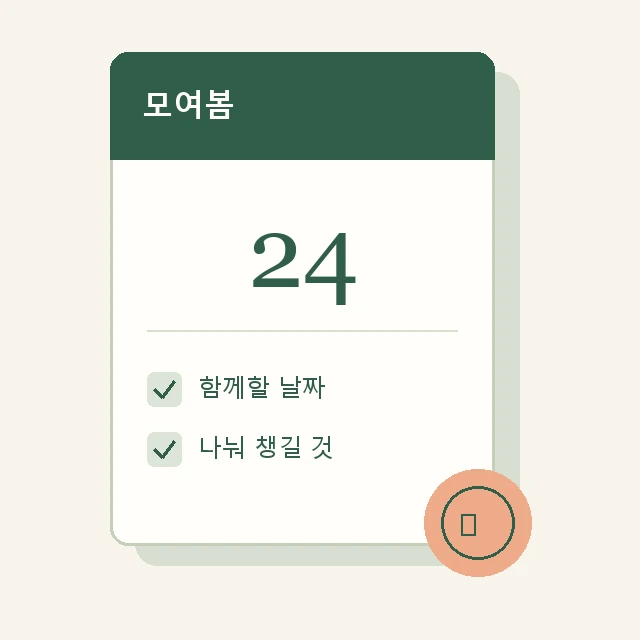
  1. Before · Moyeobom · Korean

    Choose a date and supplies

    Find a day that works and decide who will bring what.

    Plan a get-together
  2. On the day · Moaon · Korean

    Bring the photos together

    Guests upload through one QR code. The host can download the uploaded files.

    Collect photos
  3. After · Split Fair

    Work out the shared costs

    Enter who paid for what and calculate each person's share.

    Split expenses

Use each tool separately. You can paste your album and expense links into Moyeobom. Moyeobom and Moaon are in Korean.

A little easier to start

Many tools have English versions. Services available only in Korean are labelled in the tool list.

Read the tool guide
Watch a short DURUPOP introduction · 8 sec

Small tools for shared expenses and application preparation.